* NEWS FLASH * NEW UPDATED 2023 VERSION NOW AVAILABLE FOR DOWNLOAD!
A new version of The Child Support Assistant is now available for download! This version updates The Form 14 Assistant with the Supreme Court's latest changes. All users of the 2021 version should update to this new 2023 version. This update is free with your existing license key!
___________________________
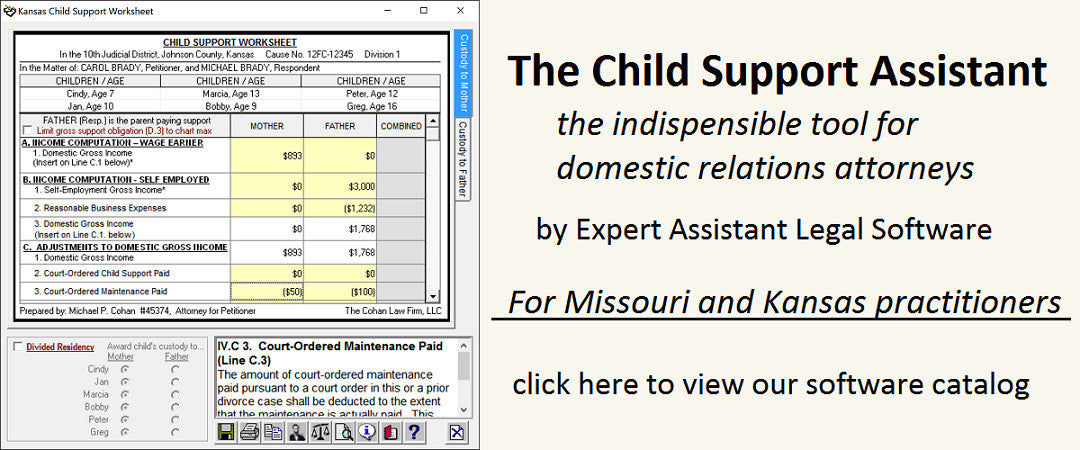
Expert Assistant Legal Software presents our acclaimed child support calculation software, The Child Support Assistant 2023 for Windows, incorporating child support calculation for Missouri and Kansas. Far more than those simplistic online form calculators, it's packed with features you won't find anywhere else. Our Missouri Form 14 software is already relied on by over 500 attorneys and judges across Missouri for fast, accurate child support and support arrearage interest calculations. Now, we've added Kansas child support calculation to our Windows version to create our multi-state software, The Child Support Assistant 2023 for Windows. Whether you practice in Missouri, Kansas, or both, if you want more out of your child support calculation software than you're getting now, you need The Child Support Assistant 2023 for Windows. (Each state is licensed separately.) And with the new Form 14 Assistant Mobile 2023, you can use virtually any Apple or Android device to bring the power of The Form 14 Assistant with you wherever you go! (requires separate license.)
Read our blog for the latest news about our software (including the latest updates for both the Windows and Mobile versions), click here to learn about our software, click here to purchase software licenses, click here to learn about the Form 14 Assistant Mobile 2023 including how to install it free, and click here to download the latest Windows version (updated 2023 version now available for download!)